How to extract WhatsApp Chat and save as TXT file
We all have been in a spot where losing our phone hurts less than losing the WhatsApp chat in it. But here is one way to preserve that chat forever(Almost).
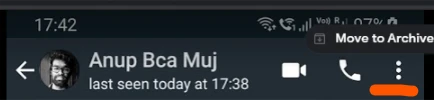
1. Open the chat of the person you want to save a backup of.

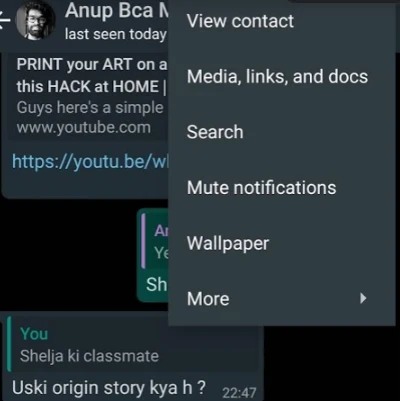
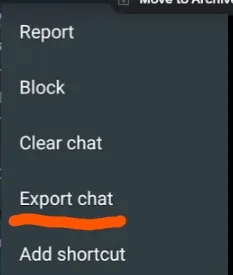
2. Select options > More > Export Chat
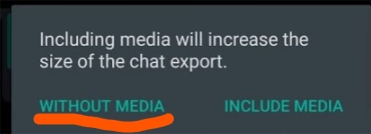
3. Select "Without Media" as the with media options is not useful since there is a limit on how much media the app can export at any given time.
4. Then select E-Mail as the the sharing option and E-Mail it to yourself.
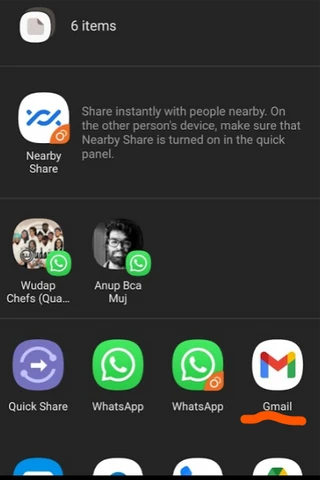
Now you have a backup chat of yourself and your significant other.
You can Also take a look at the number of messages you have by following this method.
You can also save this chat in a cleaner way that looks like WhatsApp by doing this