How To Print chat from Instagram
Free Method
Login to Instagram on your desktop.
Click at this button to go to your inbox section

Then select the chat you want to print. I will use the example of my friend Karan.
Now scroll to the part or date you want to print. I would like to print the chat of march the 26th of 2020.
Before moving on to the next step There is a software that you would need to download as trial version.
It's called SnagIt. Link is here
After installing the software use the panoramic screen capture
like so
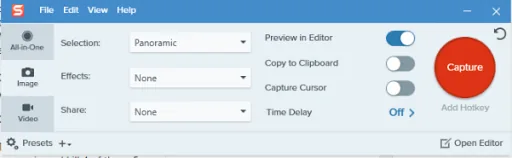
Lets get back to Instagram now.
Press capture on the tool and select the area you want to print.
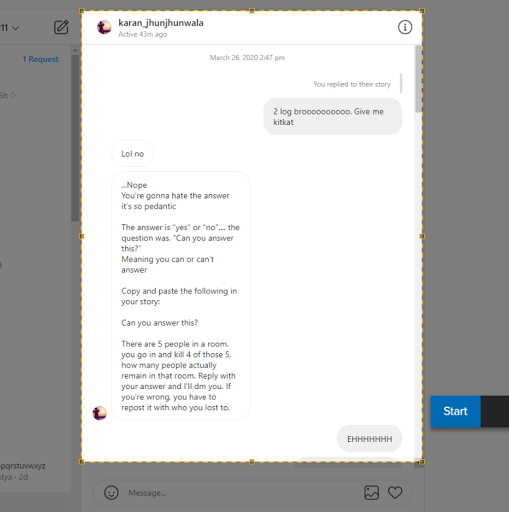
Now just scroll down until the end part of your chat appears. If you're doing this right then a box will appear that will have an image inside that will become thinner and thinner like so
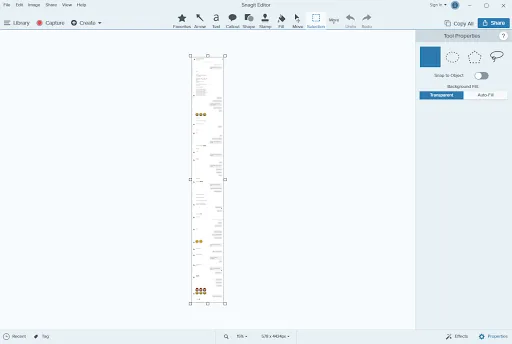
A box will open with your screenshot. This is from the SNAGIT software (Keep in mind this might take some time to open depending on how powerful your pc and how long your screenshot is)
Now save your file as a PDF and you're done. Voila

But wait. There is a better way to do this. PAID METHOD.
Place and order.
Wait for 24 hours.
And someone will contact you and get this done.
And someone will contact you and get this done.